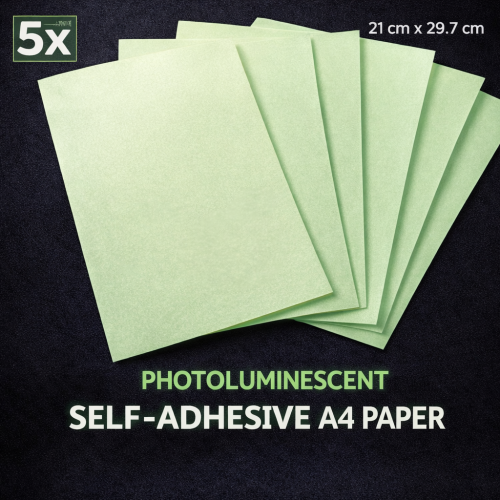
Photoluminescent self-adhesive A4 paper “Glow in the Dark” for inkjet printers – pack of 5 sheets
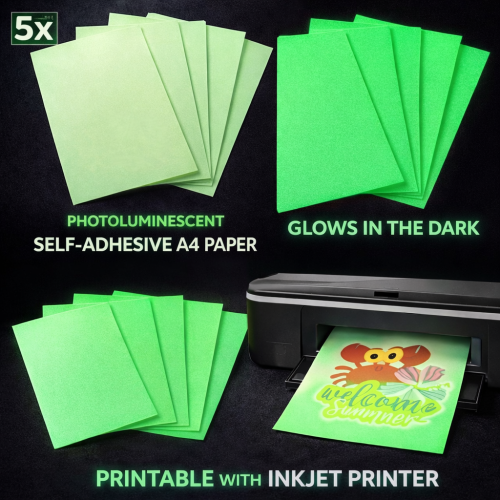
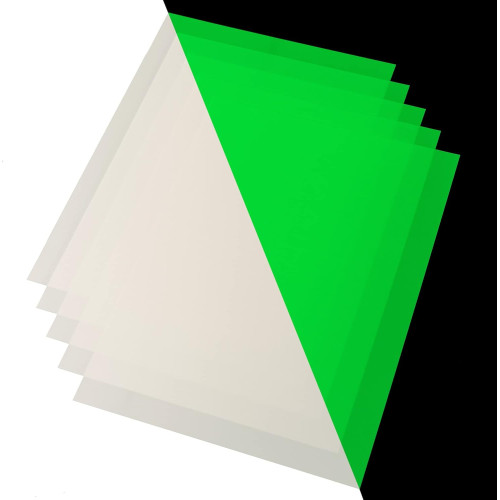
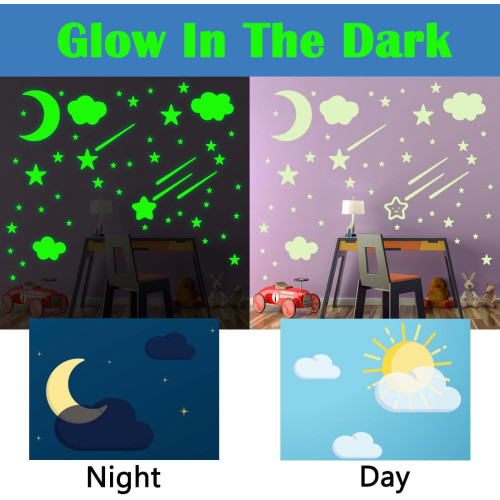
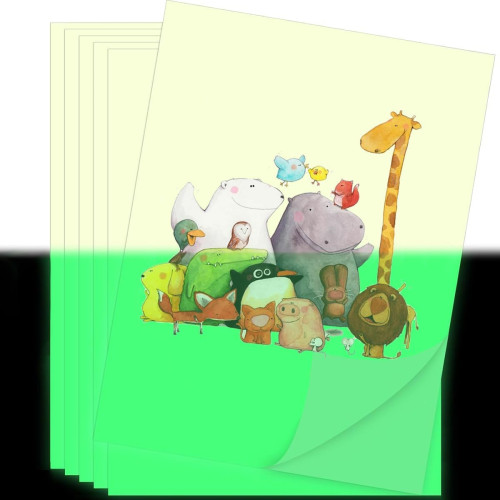
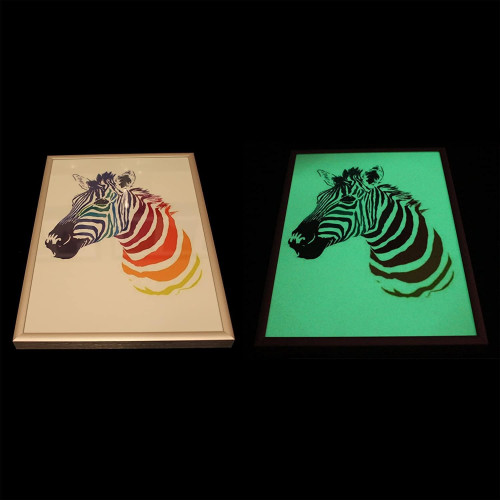
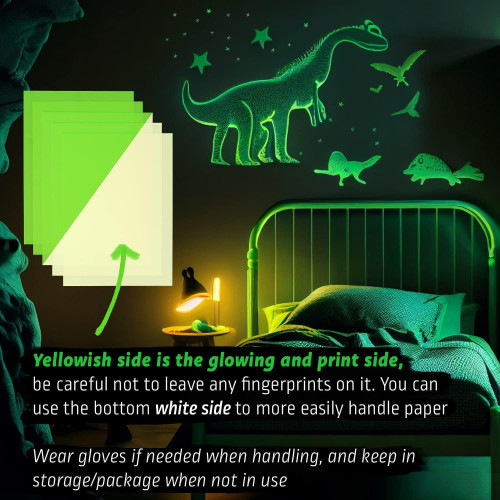
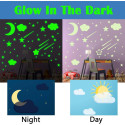
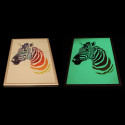
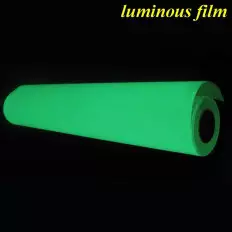
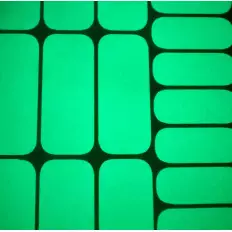
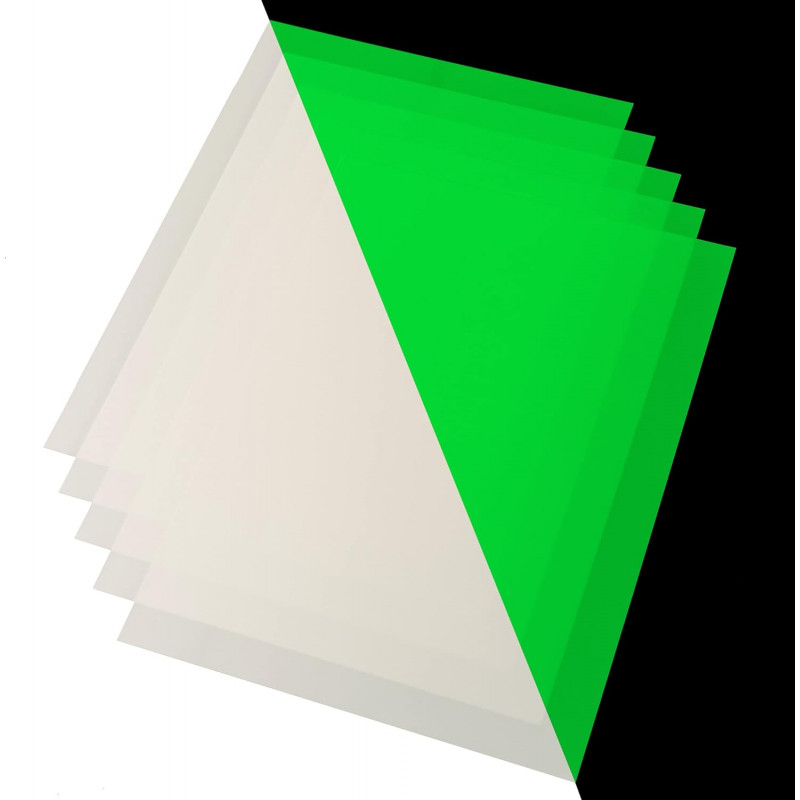
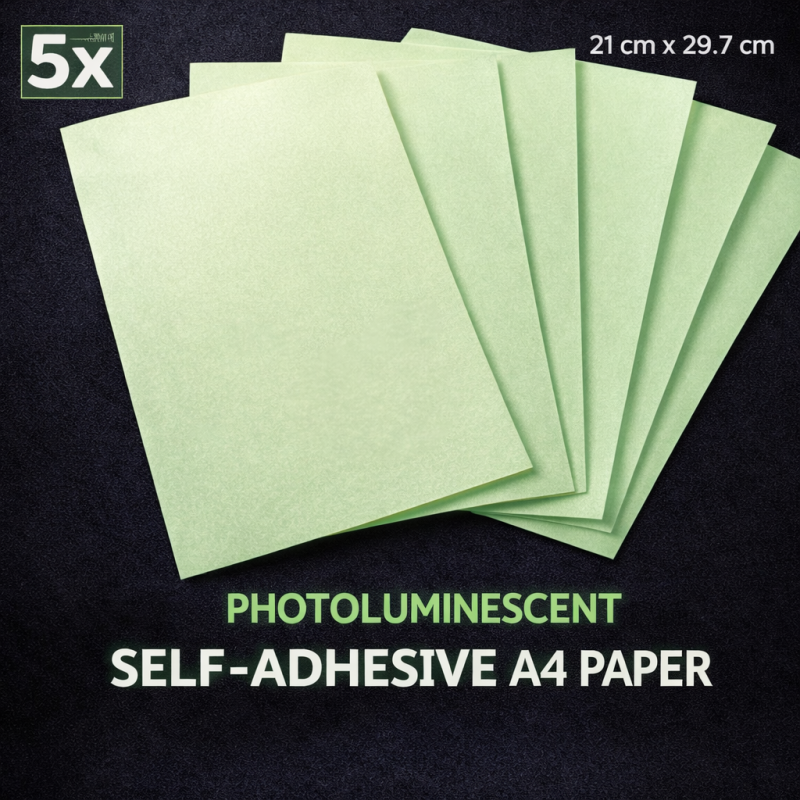
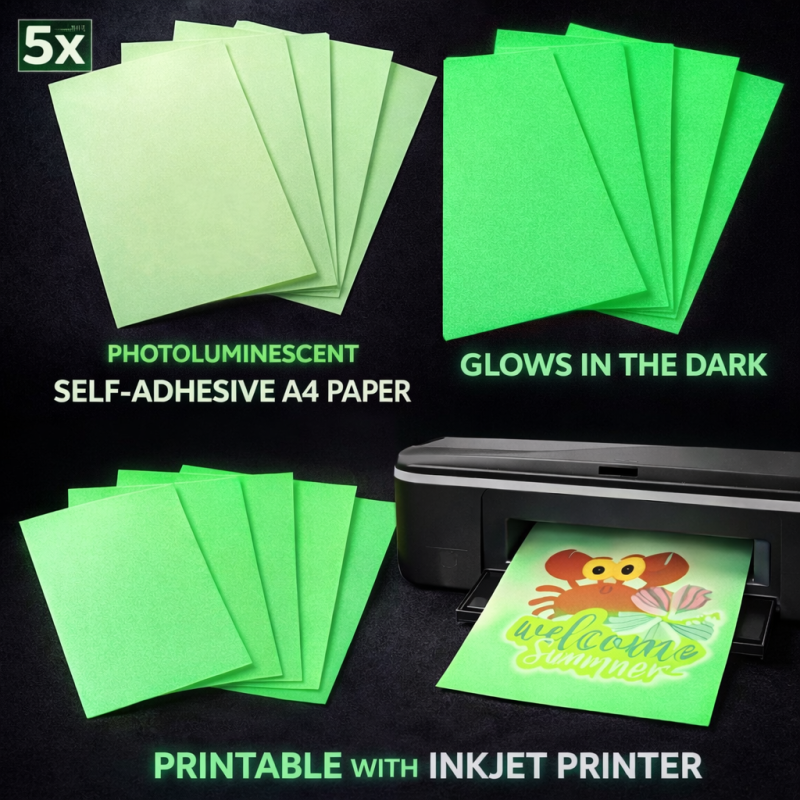
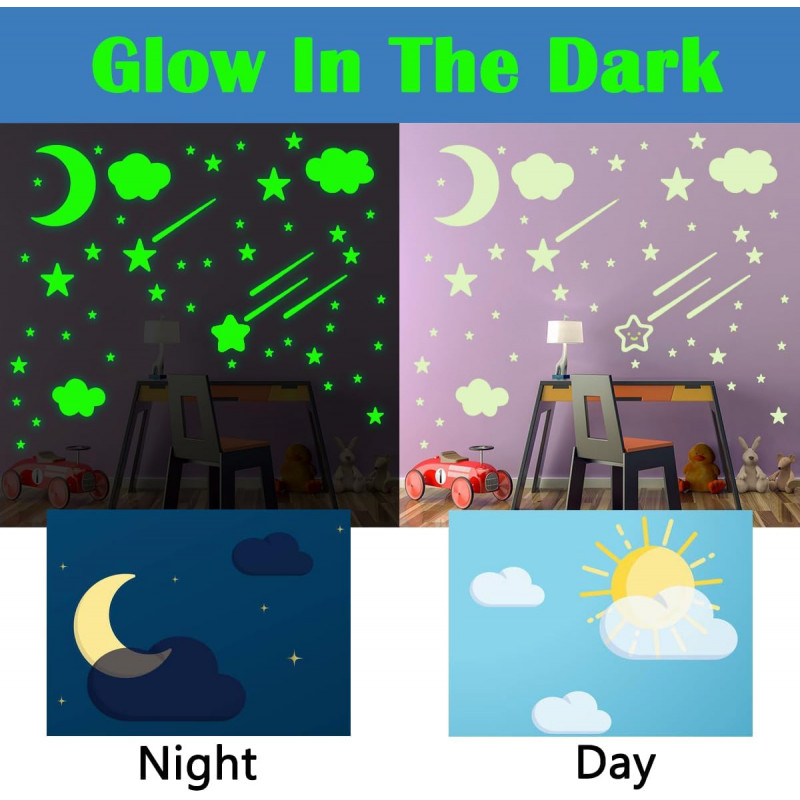
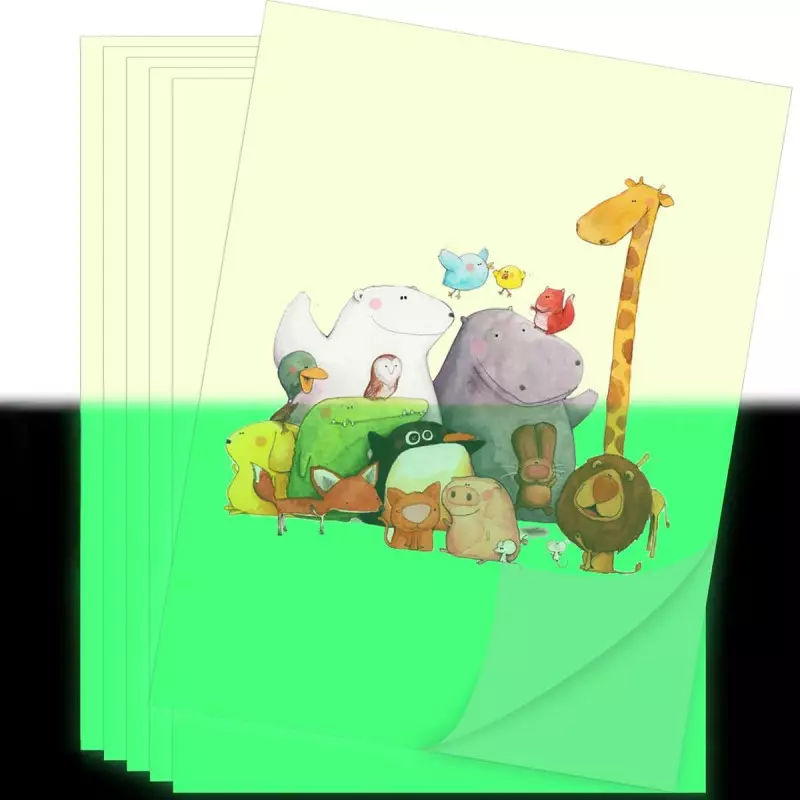
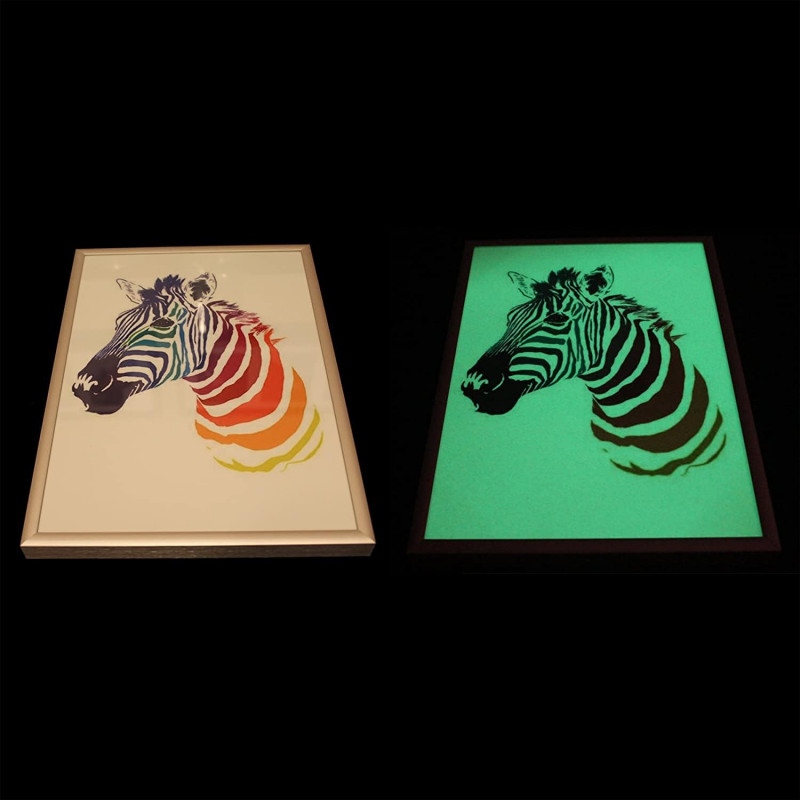
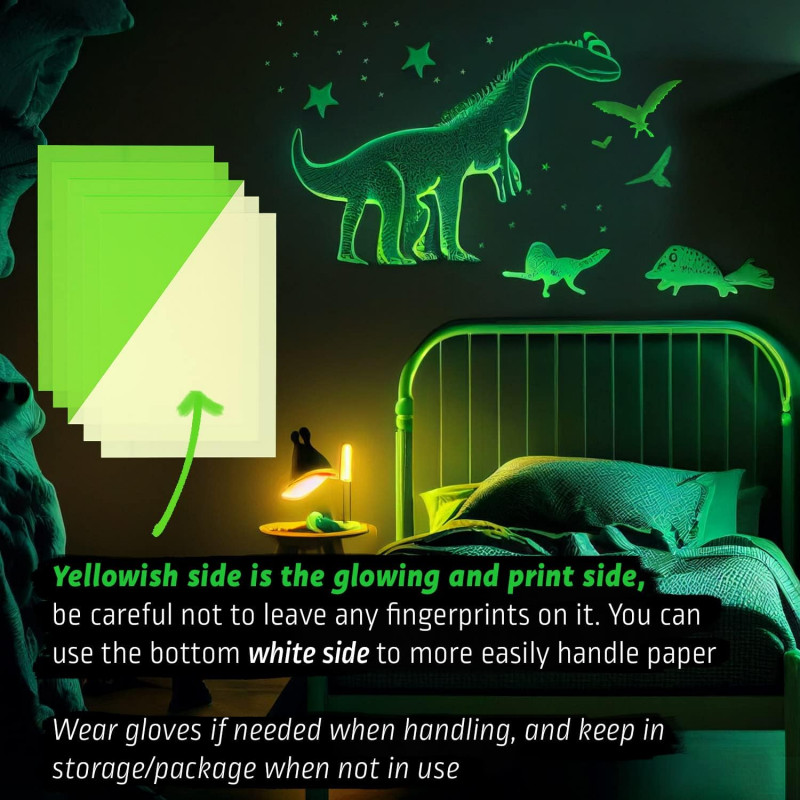
If you need to create custom labels, stickers, texts or signs that remain visible in the dark, this photoluminescent A4 adhesive paper is a practical and easy solution. In daylight it appears light green; once exposed to natural or artificial light, it glows in the dark with a bright green luminescent effect.
Ideal uses
- Signs and markings (texts, arrows, symbols, warnings) for indoor use.
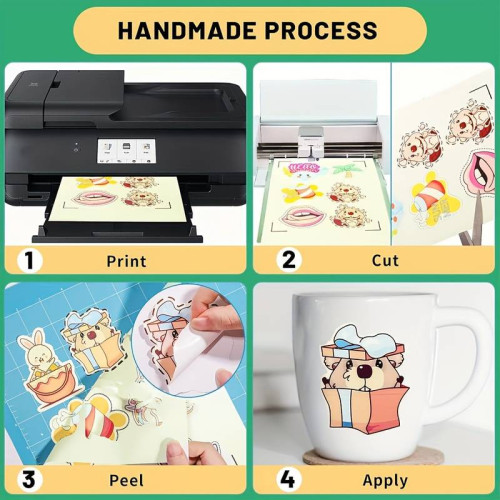
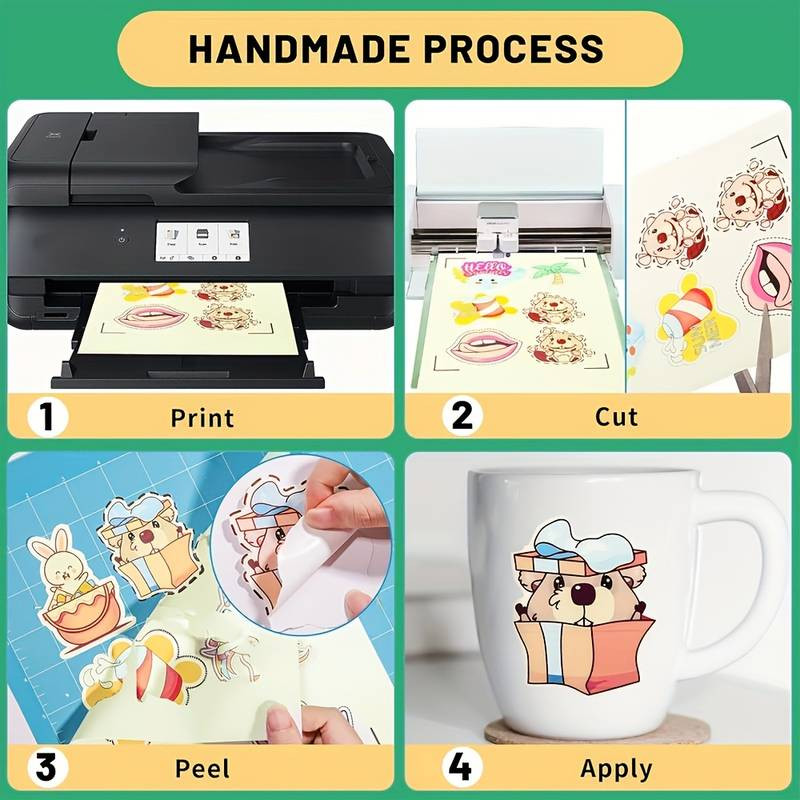
- DIY stickers: print and cut any shape you want (manually or with compatible cutting plotters).
- Organization of shelves, drawers, cabinets, tools and equipment.
- Creative and hobby projects: decorations, lettering and custom designs.
Main features
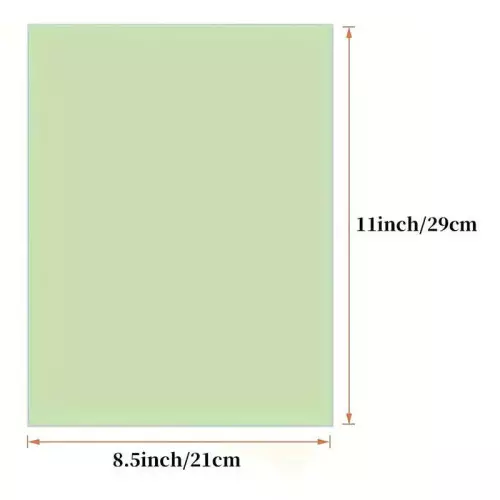
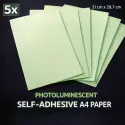
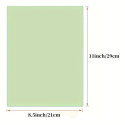
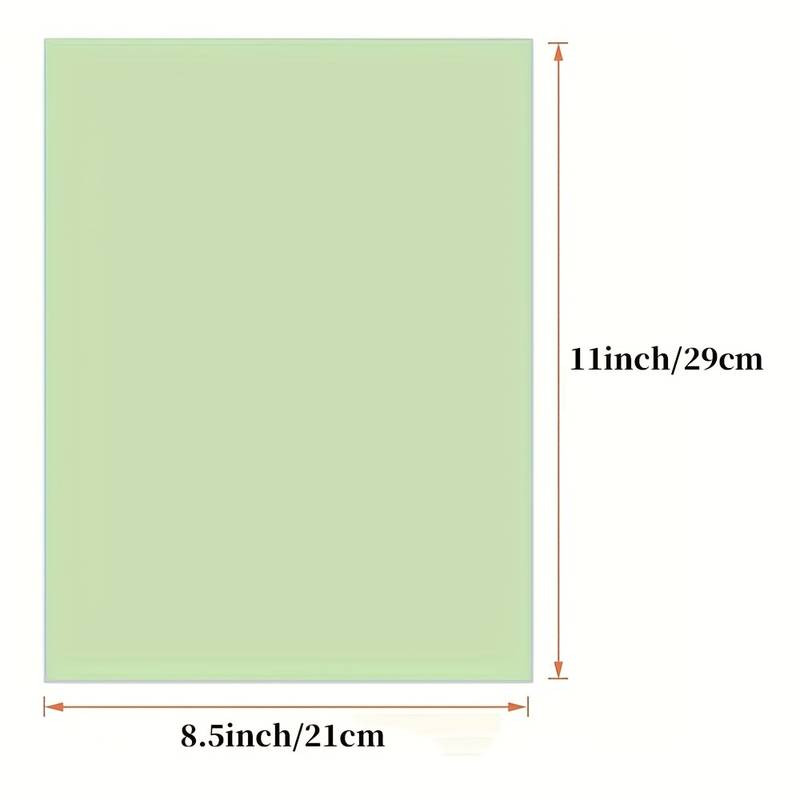
- Format: A4 (21 × 29.7 cm).
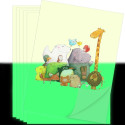
- Quantity: 5 sheets.
- Material: photoluminescent self-adhesive paper.
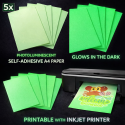
- Printing: compatible with inkjet printers.
- Glow effect: absorbs light and emits luminosity in darkness.
- Application: ready-to-use adhesive backing.
How to use
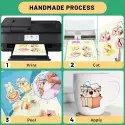
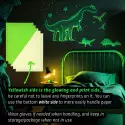
- Print your design using an inkjet printer (high-quality settings recommended).
- Allow the ink to dry completely before handling or cutting.
- Cut the desired shape using scissors, cutter or plotter.
- Clean the surface where the sticker will be applied.
- Peel and apply, pressing firmly from the center outward.
- Expose to light to activate the glow-in-the-dark effect.
Helpful tips
- Use high-resolution graphics for best print quality.
- For stronger adhesion, apply pressure evenly during installation.
- The longer the exposure to light, the brighter the glow.
Summary: an easy way to print, cut and apply custom glow-in-the-dark stickers and signs without special equipment.